> For the complete documentation index, see [llms.txt](https://vu-custom.gitbook.io/vu-custom/llms.txt). Markdown versions of documentation pages are available by appending `.md` to page URLs; this page is available as [Markdown](https://vu-custom.gitbook.io/vu-custom/integrations-connections/external-platform-connections.md).
# External Platform Connections
The **Connections** module allows Vu to integrate with external platforms other than your e-commerce storefront. While "Stores" handle the front-end transactions, "Connections" handle the backend logistics, data transfer, and reconciliation.
You can use pre-built integrations or use Vu Platform APIs to build custom connections if a specific platform is not listed.
## **Connection Categories**
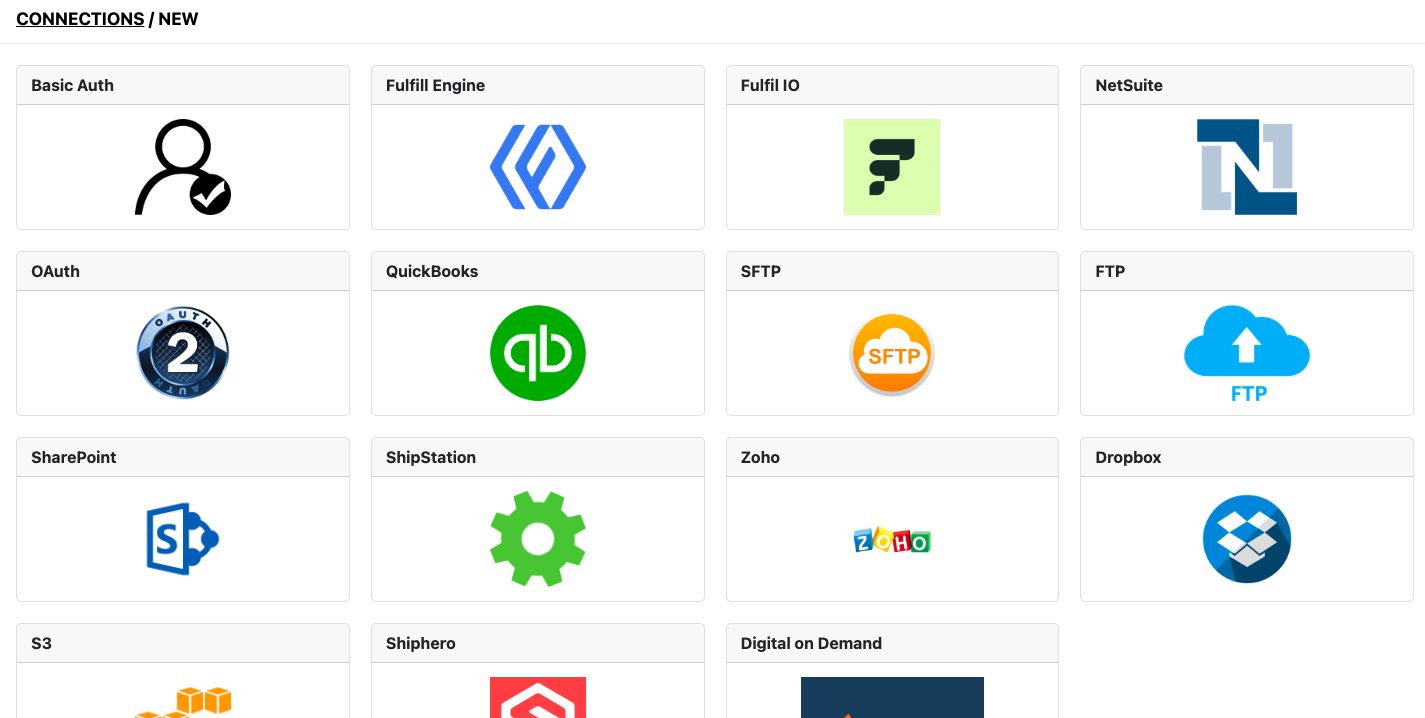
We group connections into four primary categories:
1. File Share & Authentication (Artwork Transfer)
These connections are primarily used to transfer artwork files from Vu to the factory's "Hot Folders," servers, or processing queues.
* **Supported Platforms:** Dropbox, Google Drive, FTP/sFTP, various server configurations.
* **Use Case:** A machine or operator on the production floor monitors a folder for incoming print-ready artwork files generated by VU.
2. Systems (Accounting & Reconciliation)
These connections link Vu to financial software for invoicing and order reconciliation.
* **Supported Platforms:** QuickBooks, Zoho Books.
3. Order Management & Fulfillment (OMS)
These integrations route order data to third-party logistics (3PL) providers or external Order Management Systems.
* **Supported Platforms:** NetSuite, ShipStation, ShipHero.
* **Use Case:** ensuring orders flow from Vu into the merchant's fulfillment engine to generate shipping labels and track delivery
4. Custom Authentication Protocols
For bespoke integrations where a specific branded connector does not exist, standard authentication protocols can be configured to link with proprietary APIs.
* Basic Auth
* Name: Display name.\
Connection url: Endpoint URL.\
Username / Password: Basic authentication credentials.\
Request method: POST, GET, PUT, or DELETE.\
Custom headers: (Optional) JSON format.\
Additional attributes: (Optional) JSON format.
* OAuth
* Name: Display name.\
Connection url: Primary endpoint.\
Token url: URL for token retrieval.\
Key / Secret: Consumer Key and Secret.\
Request method: POST, GET, PUT, or DELETE.\
Headers for connection: (Optional) JSON format.\
Attributes for token retrieval: (Optional) JSON format.
{% hint style="info" %}
Only users with Administrator permissions can add, edit, and delete the connections.
{% endhint %}