> For the complete documentation index, see [llms.txt](https://vu-custom.gitbook.io/vu-custom/llms.txt). Markdown versions of documentation pages are available by appending `.md` to page URLs; this page is available as [Markdown](https://vu-custom.gitbook.io/vu-custom/onboarding/accessing-vu-os.md).
# Accessing VU OS
Welcome to VU OS! This guide will help you access the Admin panel for the first time.
VU Admin is the central administration platform for managing your product customization and order fulfillment operations. This enterprise-level system provides a wide array of tools for configuration, management, and reporting.
### Logging into VU Admin
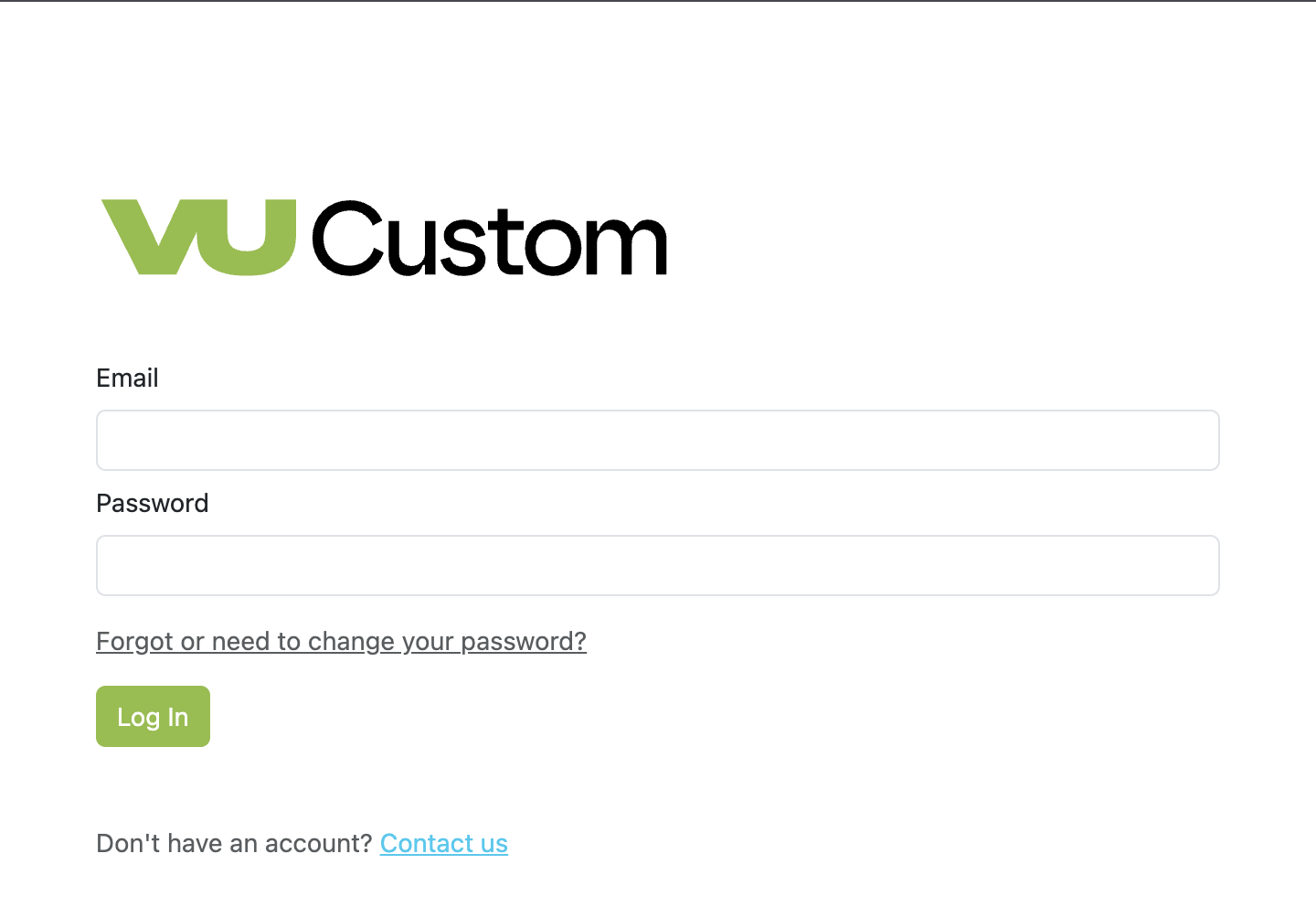
1. Navigate to the [admin website](https://os.vucustom.com/users/sign_in).
2. Enter your administrator-provided email address.
3. Enter your password.
4. Click **Log In**.
Upon successful login, the Admin Dashboard displays. If there is an error or unable to log in, please reach out to
### Navigation Overview
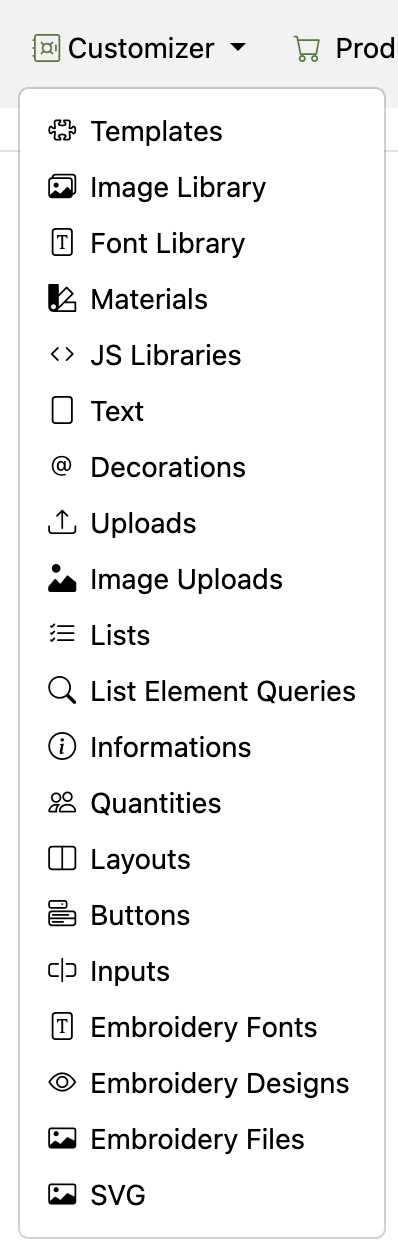
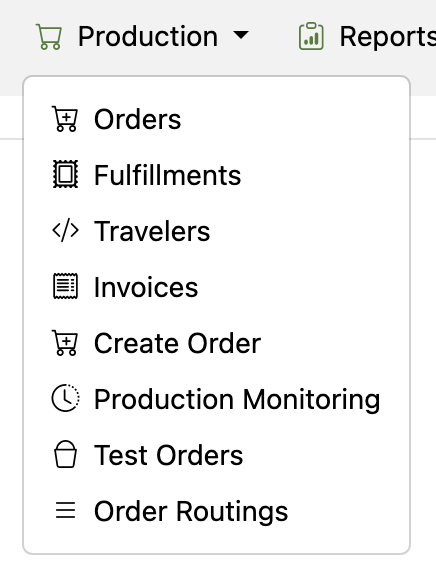
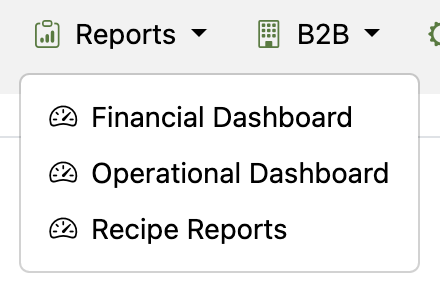
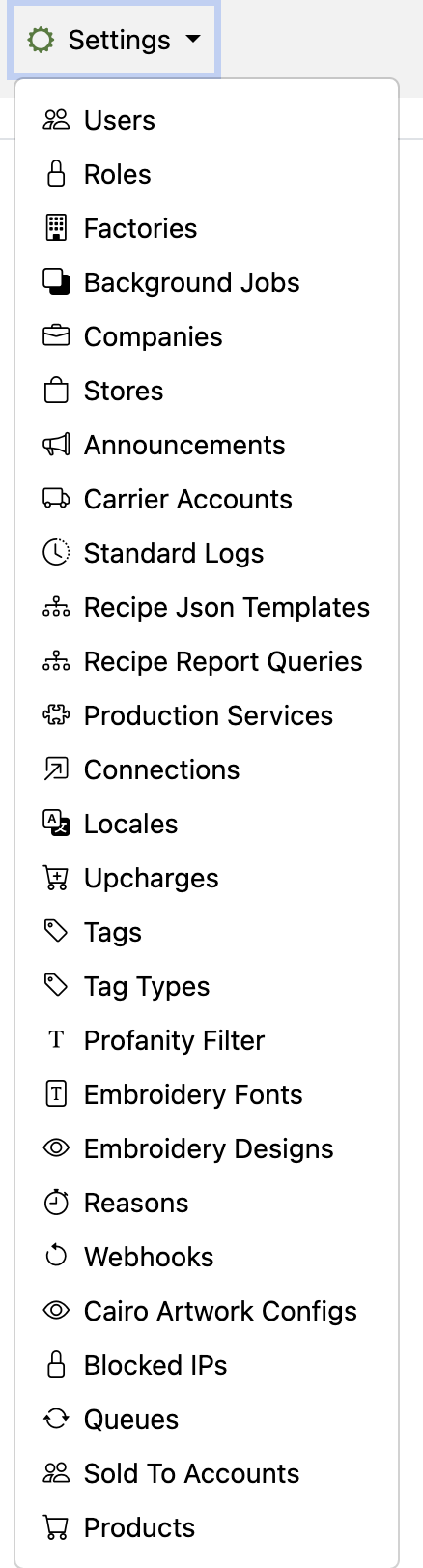
The navigation menu allows access to the different modules within the admin backend of VU OS.
The top navigation menu contains all available modules and each module dropdown has a list of sub-modules giving access to key administrative functions.
### Primary Navigation Modules
{% tabs %}
{% tab title="Customizer" %}
Manage all aspects of your product customization system:
* Template Builder
* Material Library
* Product Configuration
* Design Rules
* Preview Settings
{% endtab %}
{% tab title="Production" %}
Control order fulfillment and manufacturing processes:
* Route Orders
* Manually Create Orders
* Monitor Production
* Generate Travelers
{% endtab %}
{% tab title="Reports" %}